Apple Wallet and Google Wallet Support
Published March 3, 2026
Apple Wallet and Google Wallet Support
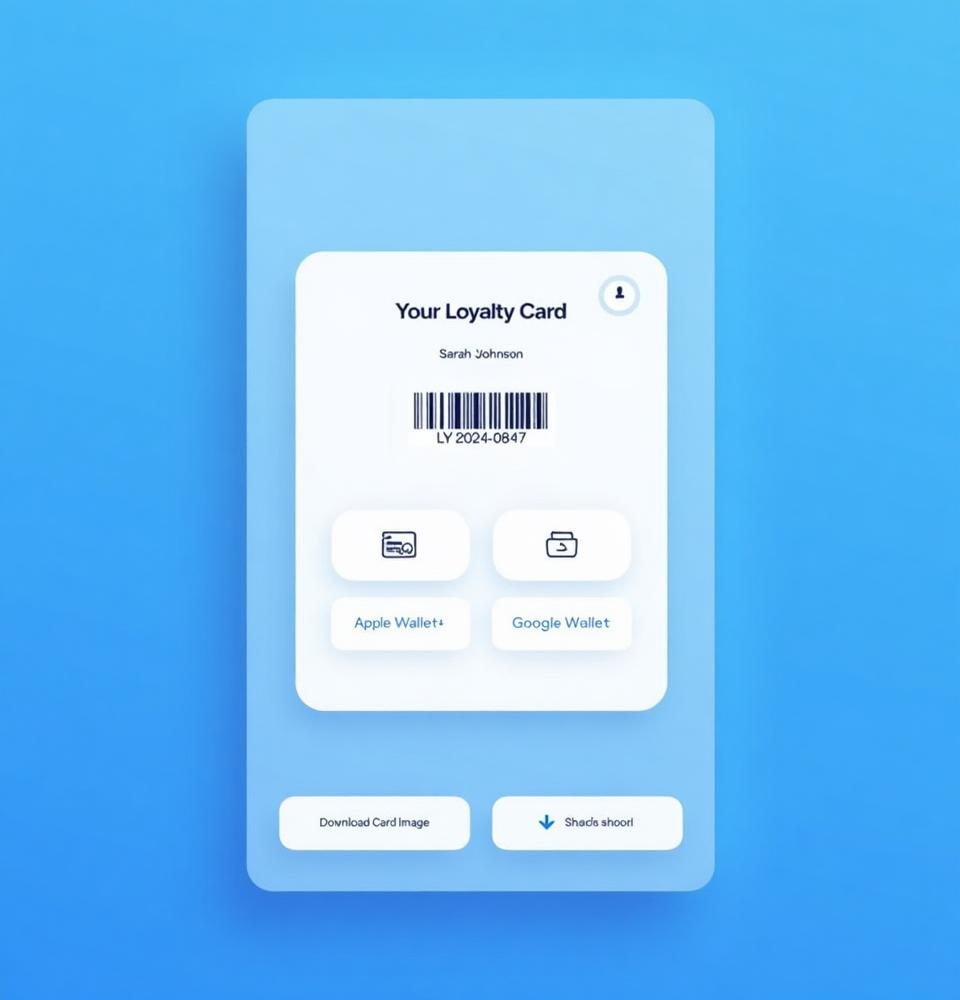
Cockato generates digital loyalty passes for both major mobile wallet platforms, ensuring every customer can carry your loyalty card on their phone.
Supported Platforms
| Platform | Devices | App Required |
|---|---|---|
| Apple Wallet | iPhone (iOS 6+), Apple Watch | Built-in (no download needed) |
| Google Wallet | Android devices, Wear OS | Google Wallet app |
What's on the Pass
Both platforms display the same loyalty information:
- Business logo and name
- Customer name
- Points balance or punch card progress
- Unique barcode/QR code for identification at checkout
- Welcome offer details (if active and unredeemed)
How Customers Add Their Pass
After signing up, customers see download buttons on the success page and in the customer portal:
Apple Wallet
- Customer taps "Add to Apple Wallet"
- A
.pkpassfile is generated with their loyalty data - iOS shows a preview of the pass
- Customer taps Add to save it
- Pass appears in the Wallet app
Google Wallet
- Customer taps "Add to Google Wallet"
- They're redirected to Google's save flow
- The pass is saved to their Google Wallet app
- Pass appears in the Wallet app
💡 Tip: Both wallet buttons are displayed on the signup success page and in the customer portal, so customers can add their pass at any time — not just during signup.
Pass Updates
When a customer's loyalty data changes (points earned, punches added, etc.):
Apple Wallet
- Passes update via push notifications sent to the device
- The wallet app checks for updates and downloads the new pass data
- Customers see the updated balance next time they view their pass
Google Wallet
- Passes update automatically when the pass object is modified server-side
- Google syncs the updated data to the customer's device
- Updates appear within minutes
📝 Note: Push updates for Apple Wallet require the customer's device to have registered for push notifications during pass installation. This happens automatically on most devices.
Proximity Notifications
When GPS coordinates are configured for your outlets:
- Apple: The pass appears on the iPhone lock screen when the customer is near your store
- Google: A notification may appear when the customer is near a configured location
This serves as a free, passive marketing touchpoint — reminding customers about your loyalty program every time they walk past.
💡 Tip: Configure GPS coordinates for all your outlets to maximize proximity notification coverage. See "Configuring Proximity Notifications" for setup details.
Barcode Scanning
Each customer pass contains a unique barcode. Staff can scan this barcode using:
- The built-in barcode scanner in the checkout dashboard
- Any standard barcode scanner connected to your device
Scanning instantly looks up the customer, showing their points balance, punch card progress, and welcome offer status.
Pass Design
Customize how your passes look using the Wallet Designer:
- Background, label, and text colors
- Business logo (from Organization Settings)
- Strip image (banner across the pass)
- Pre-built color themes
See "Designing Your Digital Loyalty Pass" for detailed design instructions.
Platform Differences
| Feature | Apple Wallet | Google Wallet |
|---|---|---|
| Update Method | Push notification | Server-side sync |
| Lock Screen | Pass appears near stores | Notification near stores |
| Pass Format | .pkpass file | Google Pass object |
| Offline Access | ✅ Full offline | ✅ Full offline |
| Multiple Passes | ✅ Supported | ✅ Supported |
Tracking Wallet Adoption
Monitor wallet pass adoption from two places:
- Dashboard — "Active Wallet Passes" metric shows total installed passes
- Customer List — Wallet status badges (🍎 Apple, 🤖 Google) on each customer row
- Customer Detail — Full wallet pass details including platform and last sync date
FAQ
Can a customer have passes on both Apple and Google? Yes. Customers can install passes on multiple devices and platforms.
What happens if a customer deletes their pass? They can re-download it anytime from the customer portal.
Do passes work offline? Yes. The barcode and basic loyalty data are available offline. Balance updates sync when the device is back online.
Are wallet passes required for the loyalty program? No. Wallet passes are optional. Customers can still be looked up by name, email, or barcode ID without a wallet pass.
Ready to get started?
Try Cockato for free and see how it can help grow your business.
Get Started Free